pyvista.Plotter.remove_all_lights#
- Plotter.remove_all_lights(only_active=False)[source]#
Remove all lights from the scene.
- Parameters:
Examples
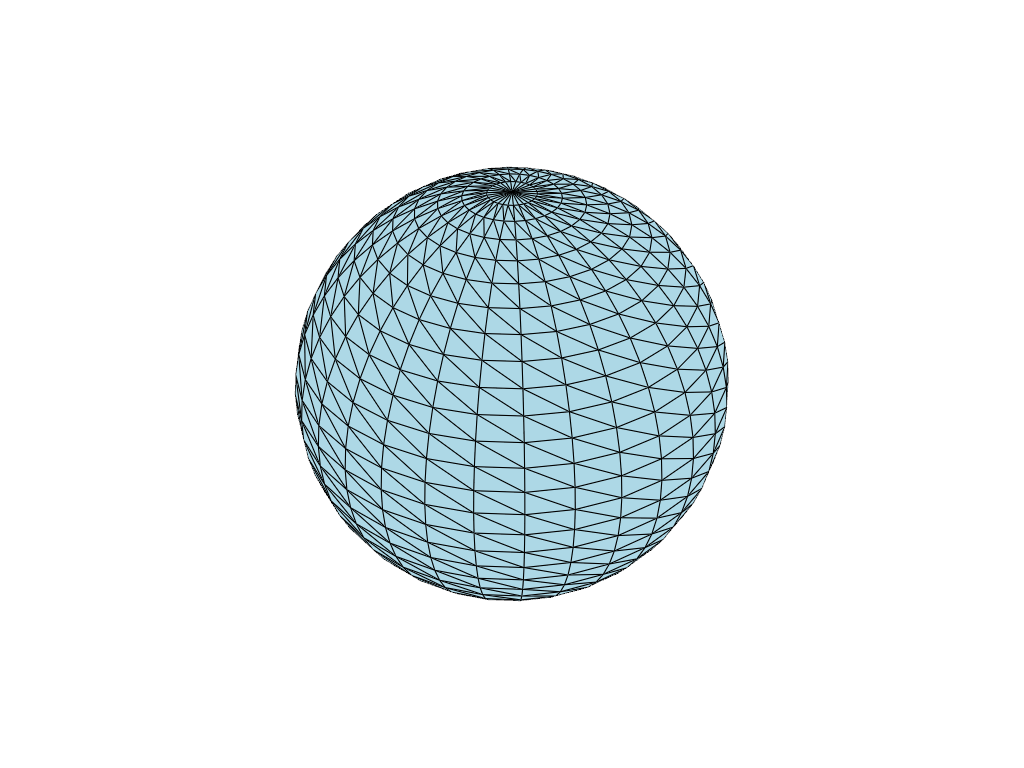
Create a plotter and remove all lights after initialization. Note how the mesh rendered is completely flat
>>> import pyvista as pv
>>> plotter = pv.Plotter()
>>> plotter.remove_all_lights()
>>> plotter.renderer.lights
[]
>>> _ = plotter.add_mesh(pv.Sphere(), show_edges=True)
>>> plotter.show()
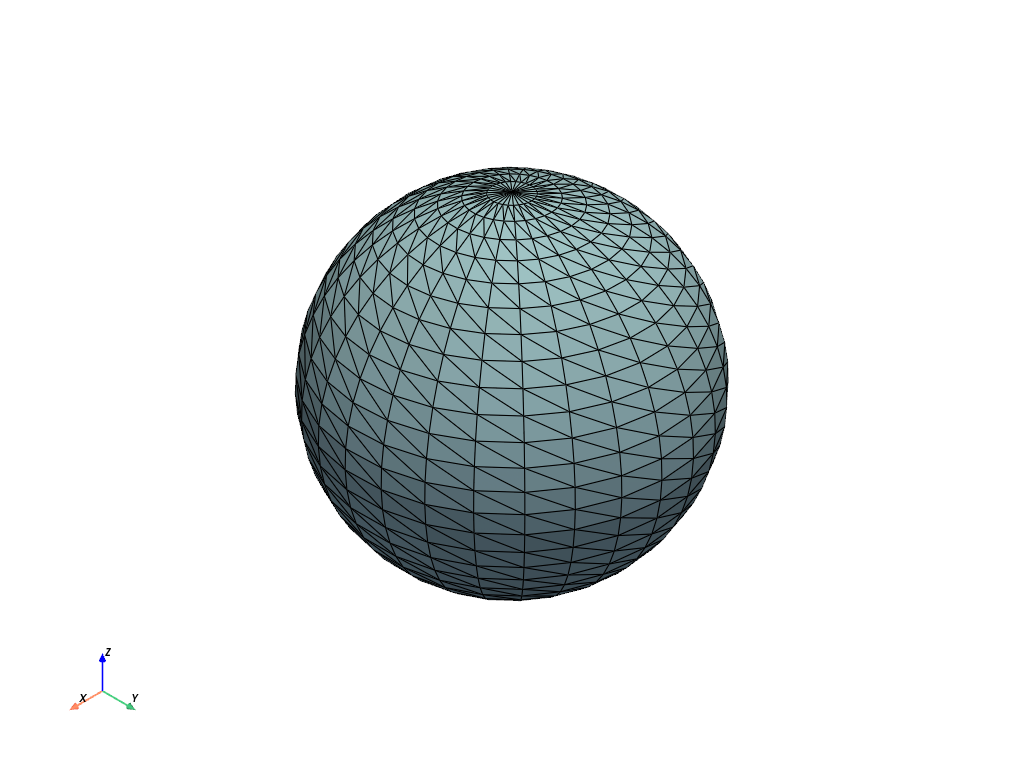
Note how this differs from a plot with default lighting
>>> pv.Sphere().plot(show_edges=True, lighting=True)