pyvista.Plotter.get_image_depth#
- Plotter.get_image_depth(fill_value=nan, reset_camera_clipping_range=True)[source]#
Return a depth image representing current render window.
- Parameters:
- Returns:
pyvista.pyvista_ndarrayImage of depth values from camera orthogonal to image plane.
Notes
Values in image_depth are negative to adhere to a right-handed coordinate system.
Examples
>>> import pyvista as pv
>>> plotter = pv.Plotter()
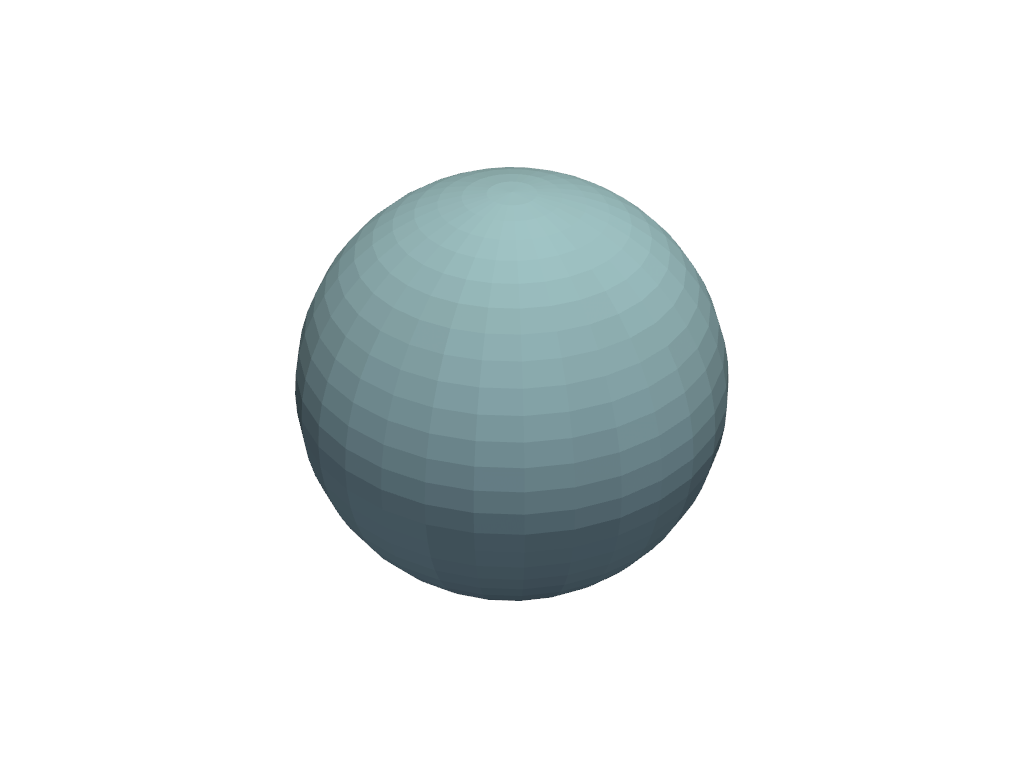
>>> actor = plotter.add_mesh(pv.Sphere())
>>> plotter.show()
>>> zval = plotter.get_image_depth()