pyvista.Plotter.remove_bounds_axes#
- Plotter.remove_bounds_axes()[source]#
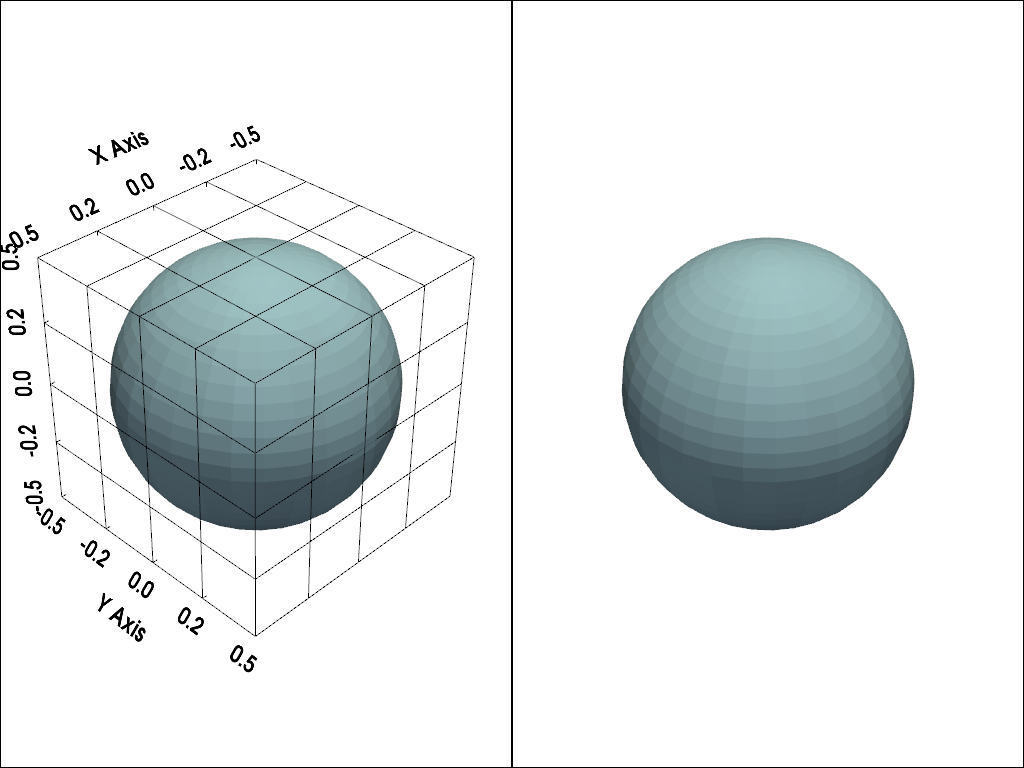
Remove bounds axes.
Examples
>>> import pyvista as pv
>>> pl = pv.Plotter(shape=(1, 2))
>>> pl.subplot(0, 0)
>>> actor = pl.add_mesh(pv.Sphere())
>>> actor = pl.show_bounds(grid='front', location='outer')
>>> pl.subplot(0, 1)
>>> actor = pl.add_mesh(pv.Sphere())
>>> actor = pl.show_bounds(grid='front', location='outer')
>>> actor = pl.remove_bounds_axes()
>>> pl.show()