pyvista.Plotter.disable_picking#
- Plotter.disable_picking()[source]#
Disable any active picking and remove observers.
Examples
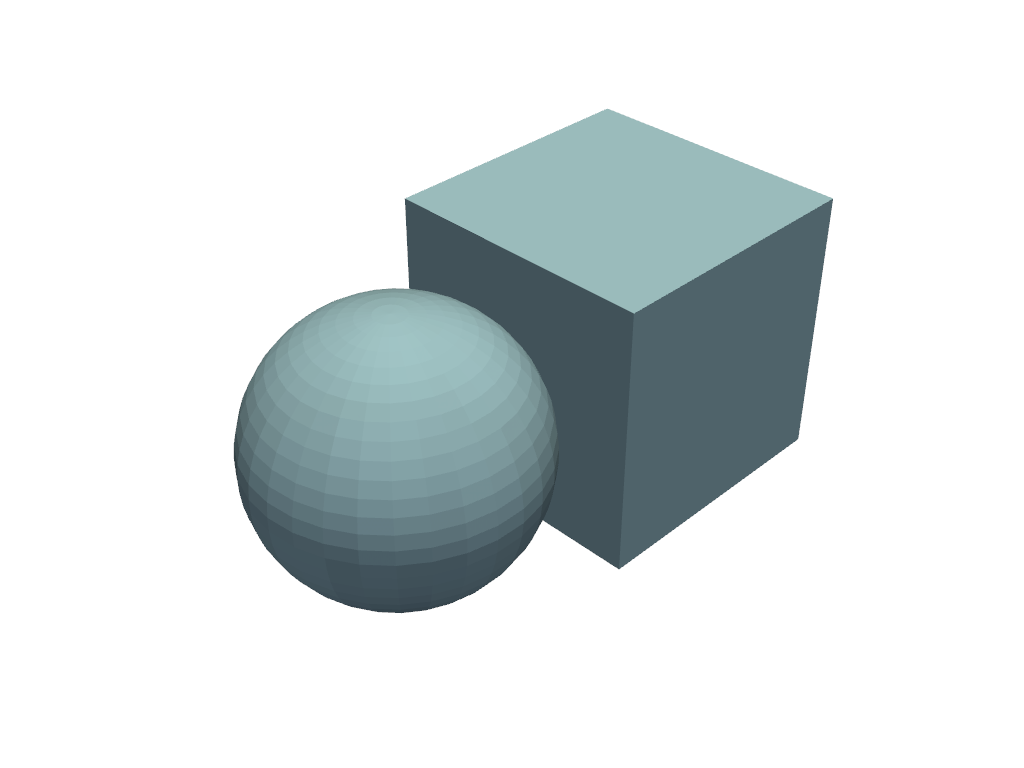
Enable and then disable picking.
>>> import pyvista as pv
>>> mesh = pv.Sphere(center=(1, 0, 0))
>>> cube = pv.Cube()
>>> pl = pv.Plotter()
>>> _ = pl.add_mesh(mesh)
>>> _ = pl.add_mesh(cube)
>>> _ = pl.enable_mesh_picking()
>>> pl.disable_picking()