pyvista.Plotter.add_background_image#
- Plotter.add_background_image(image_path, scale=1.0, auto_resize=True, as_global=True)[source]#
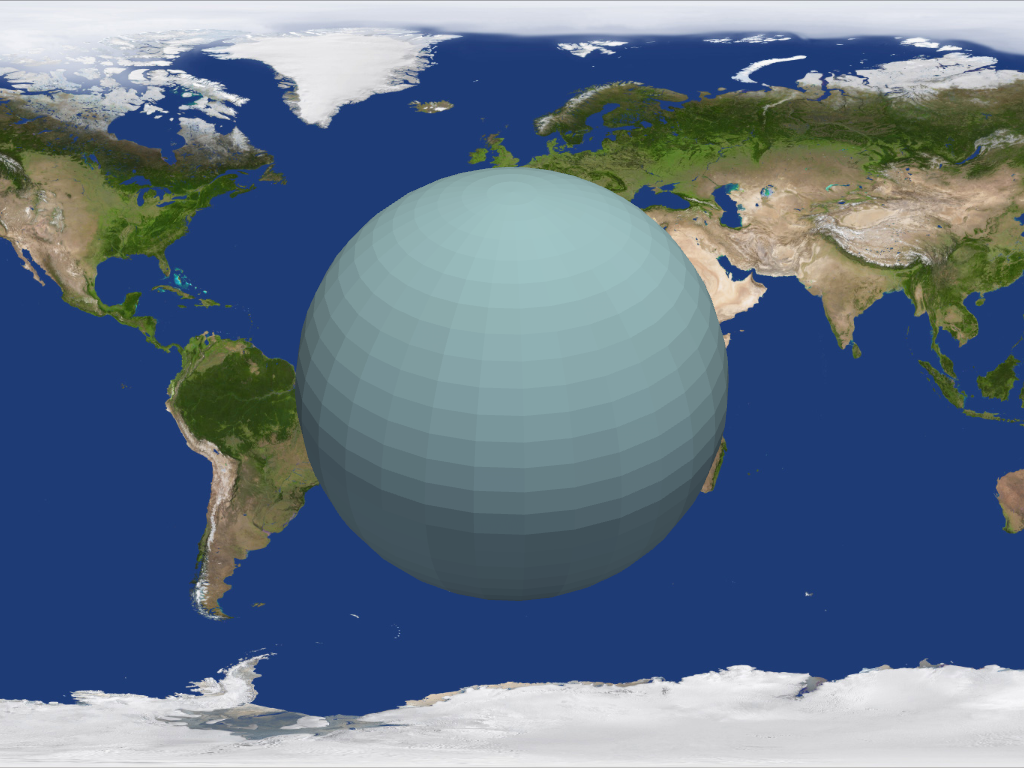
Add a background image to a plot.
- Parameters:
- image_path
str Path to an image file.
- scale
float, default: 1.0 Scale the image larger or smaller relative to the size of the window. For example, a scale size of 2 will make the largest dimension of the image twice as large as the largest dimension of the render window.
- auto_resizebool, default:
True Resize the background when the render window changes size.
- as_globalbool, default:
True When multiple render windows are present, setting
as_global=Falsewill cause the background to only appear in one window.
- image_path
Examples
>>> import pyvista as pv
>>> from pyvista import examples
>>> plotter = pv.Plotter()
>>> actor = plotter.add_mesh(pv.Sphere())
>>> plotter.add_background_image(examples.mapfile)
>>> plotter.show()