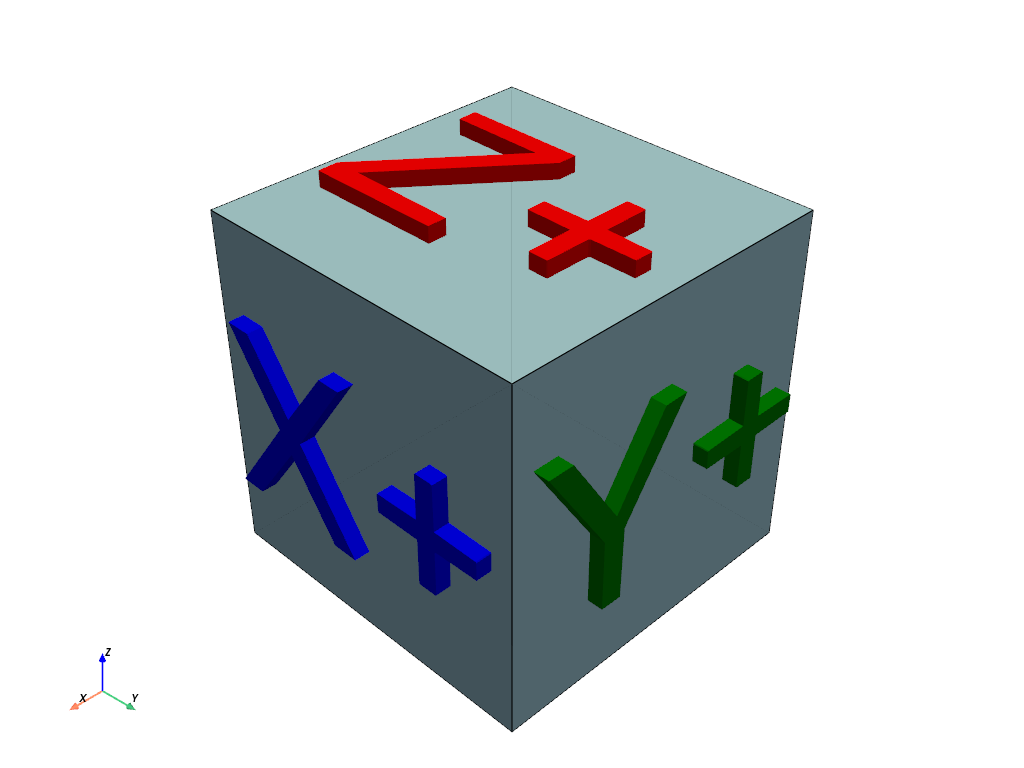
pyvista.Plotter.enable_3_lights#
- Plotter.enable_3_lights(only_active=False)[source]#
Enable 3-lights illumination.
This will replace all pre-existing lights in the scene.
- Parameters:
Examples
>>> from pyvista import demos
>>> pl = demos.orientation_plotter()
>>> pl.enable_3_lights()
>>> pl.show()
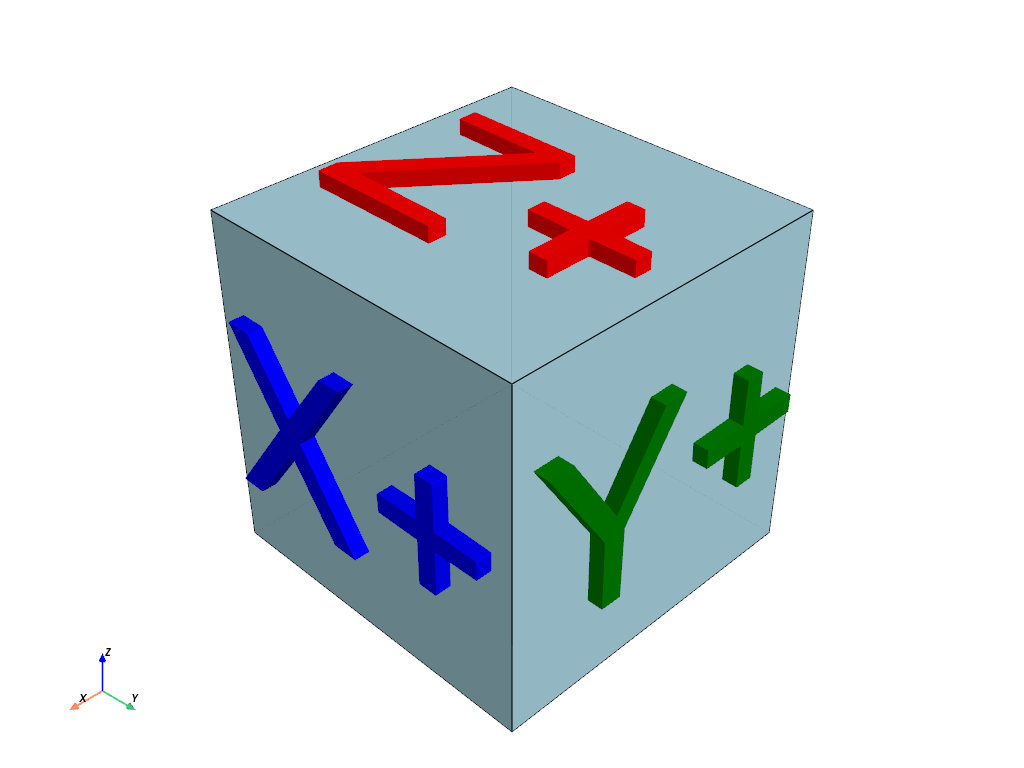
Note how this varies from the default plotting.
>>> pl = demos.orientation_plotter()
>>> pl.show()