pyvista.Plotter.disable_anti_aliasing#
- Plotter.disable_anti_aliasing(all_renderers=True)[source]#
Disable anti-aliasing.
- Parameters:
Examples
>>> import pyvista as pv
>>> pl = pv.Plotter()
>>> pl.disable_anti_aliasing()
>>> _ = pl.add_mesh(pv.Sphere(), show_edges=True)
>>> pl.show()
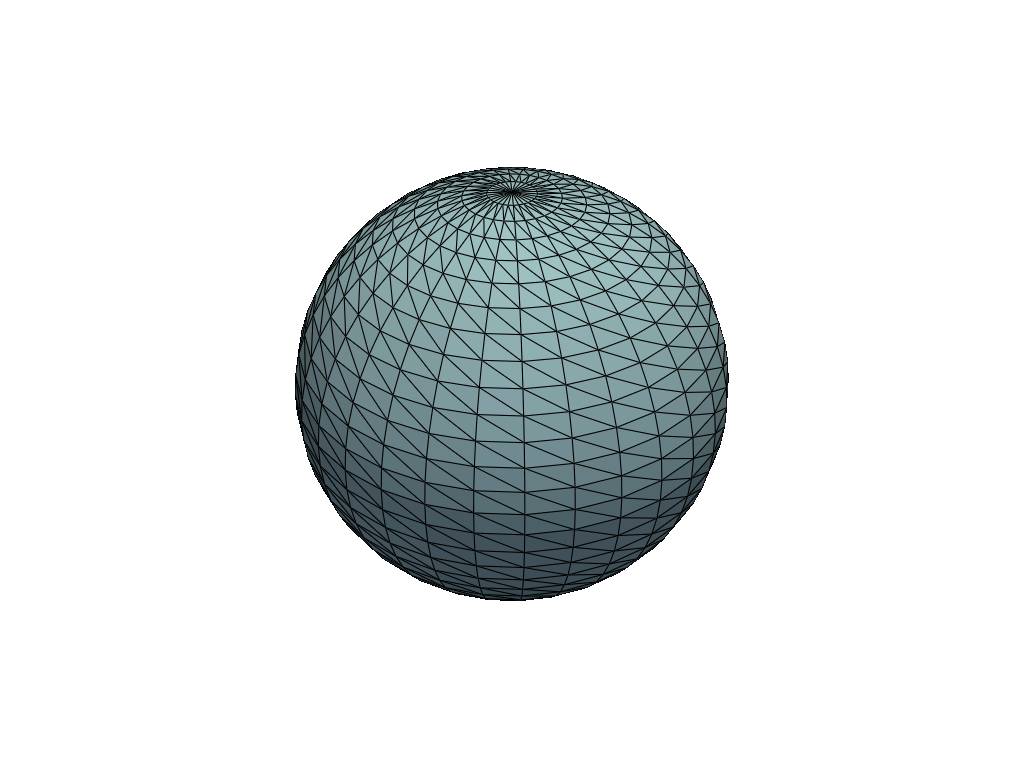
See Anti-Aliasing for a full example demonstrating VTK’s anti-aliasing approaches.