pyvista.Property.roughness#
- property Property.roughness: float[source]#
Return or set roughness.
Default
pyvista.plotting.themes._LightingConfig.roughness.This requires that the interpolation be set to
'Physically based
rendering'
. Must be between 0 and 1.Examples
Set roughness to 0.1
>>> import pyvista as pv
>>> prop = pv.Property()
>>> # requires physically based rendering
>>> prop.interpolation = 'pbr'
>>> prop.metallic = 0.5  # helps to visualize metallic
>>> prop.roughness = 0.1
>>> prop.roughness
0.1
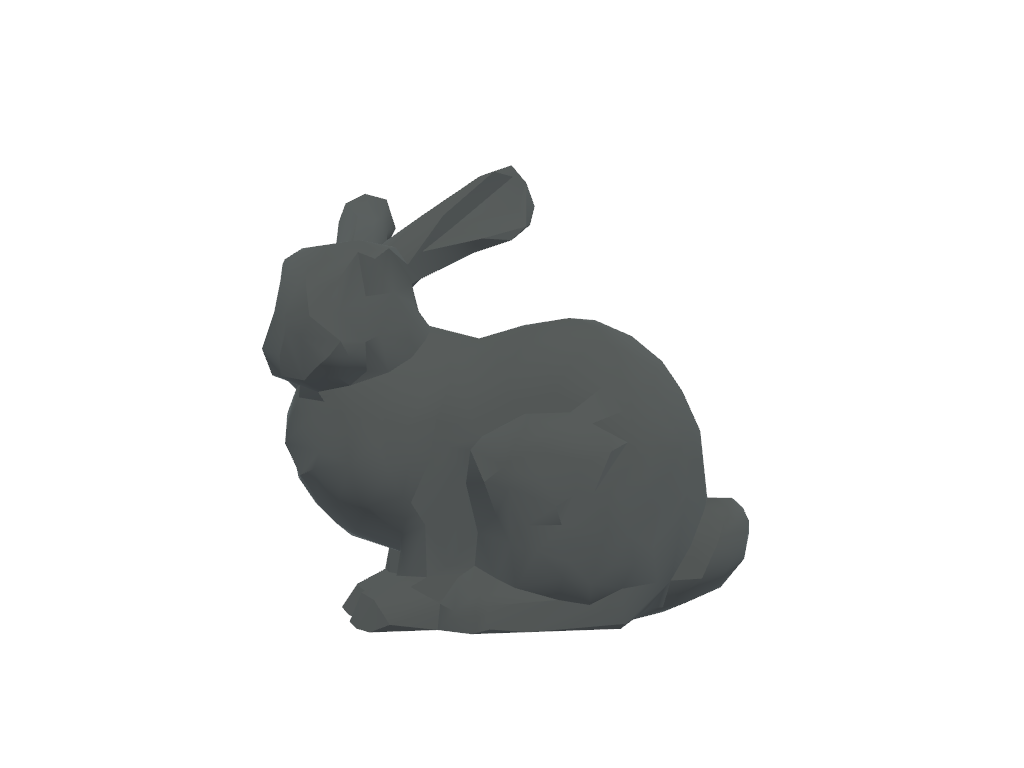
Visualize default roughness with metallic of
0.5.>>> prop.roughness = 0.5 >>> prop.plot()
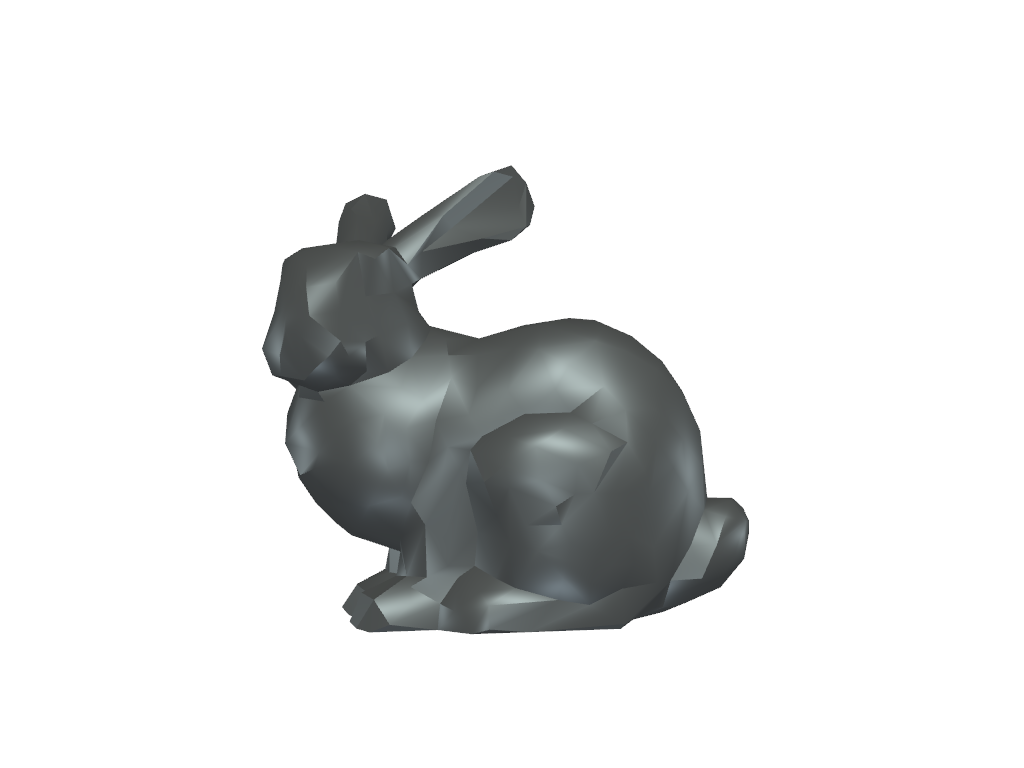
Visualize roughness at
0.0with metallic of0.5.>>> prop.roughness = 0.0 >>> prop.plot()
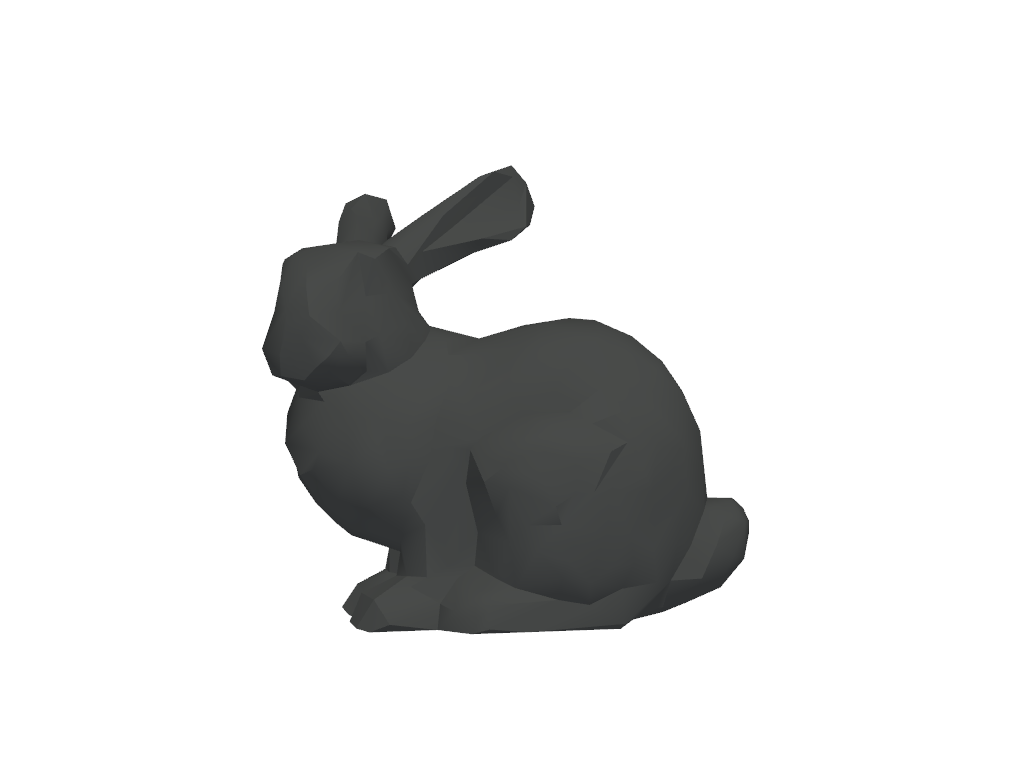
Visualize roughness at
1.0with metallic of0.5.>>> prop.roughness = 1.0 >>> prop.plot()