pyvista.Property.ambient#
- property Property.ambient: float[source]#
Return or set ambient.
Default
pyvista.plotting.themes._LightingConfig.ambient.When lighting is enabled, this is the amount of light in the range of 0 to 1 that reaches the actor when not directed at the light source emitted from the viewer.
Examples
>>> import pyvista as pv
>>> prop = pv.Property()
>>> prop.ambient = 0.2
>>> prop.ambient
0.2
Visualize default ambient light.
>>> prop.ambient = 0.0
>>> prop.plot()
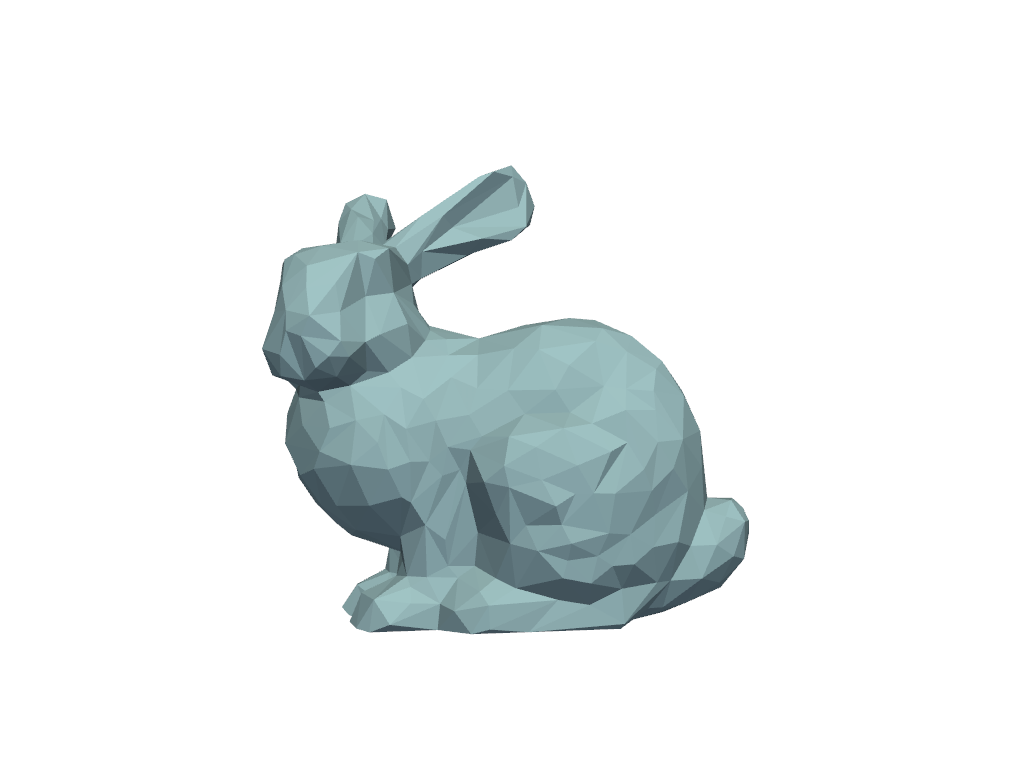
Visualize ambient at
0.5.>>> prop.ambient = 0.5 >>> prop.plot()
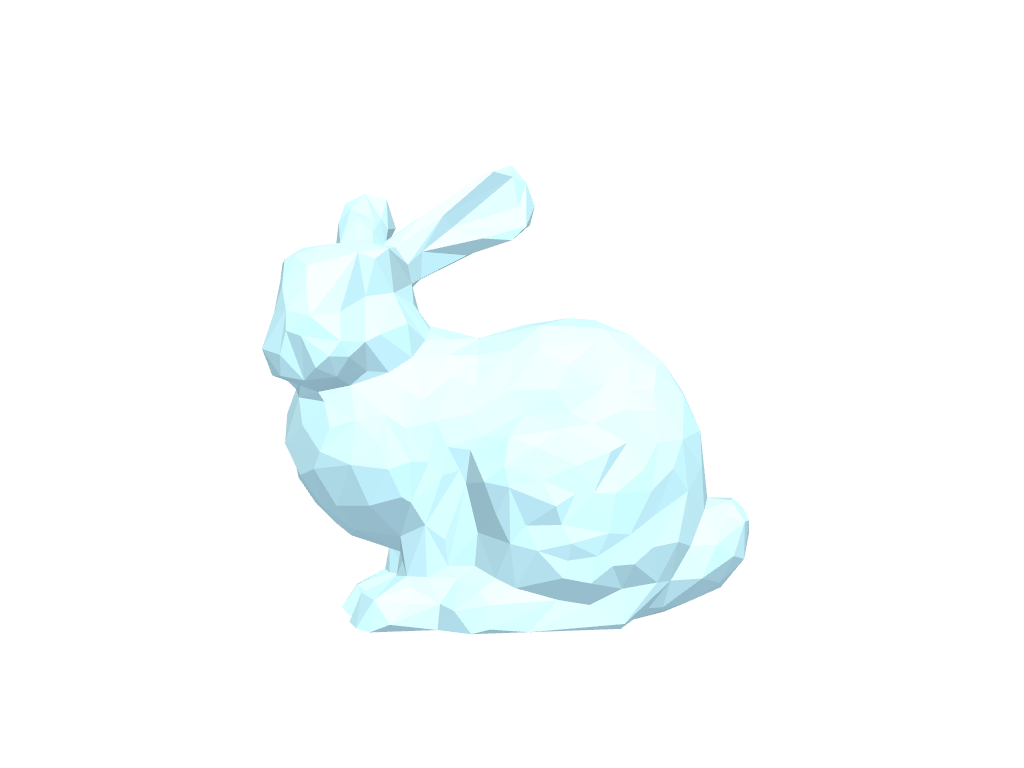
Visualize ambient at
1.0.>>> prop.ambient = 1.0 >>> prop.plot()