pyvista.lines_from_points#
- lines_from_points(points, close=False)[source]#
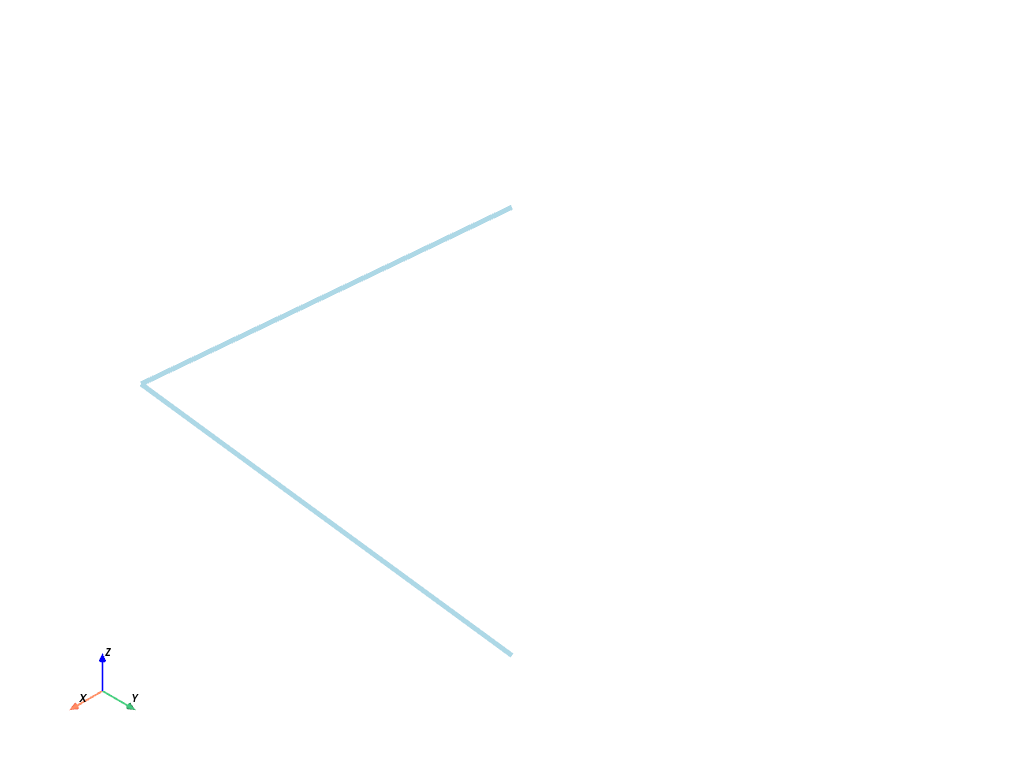
Make a connected line set given an array of points.
- Parameters:
- pointsarray_like[
float] Points representing the vertices of the connected segments. For example, two line segments would be represented as
np.array([[0, 0, 0], [1, 0, 0], [1, 1, 0]]).- closebool, default:
False If
True, close the line segments into a loop.
- pointsarray_like[
- Returns:
pyvista.PolyDataPolyData with lines and cells.
Examples
>>> import numpy as np
>>> import pyvista as pv
>>> points = np.array([[0, 0, 0], [1, 0, 0], [1, 1, 0]])
>>> poly = pv.lines_from_points(points)
>>> poly.plot(line_width=5)