pyvista.plotting.charts.Brush.texture#
- property Brush.texture[source]#
Return or set the brush’s texture.
Examples
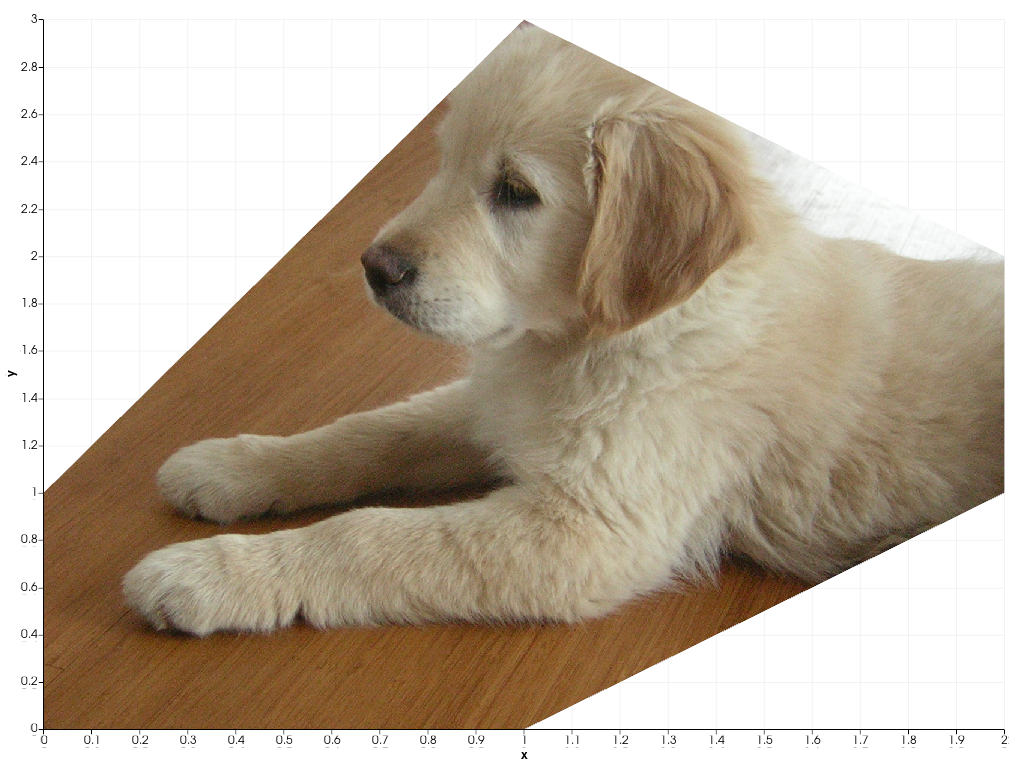
Set the brush’s texture to the sample puppy texture.
>>> import pyvista as pv
>>> from pyvista import examples
>>> chart = pv.Chart2D()
>>> plot = chart.area([0, 1, 2], [0, 0, 1], [1, 3, 2])
>>> plot.brush.texture = examples.download_puppy_texture()
>>> chart.show()