pyvista.CompositeAttributes.reset_colors#
- CompositeAttributes.reset_colors()[source]#
Reset the color of all blocks.
Examples
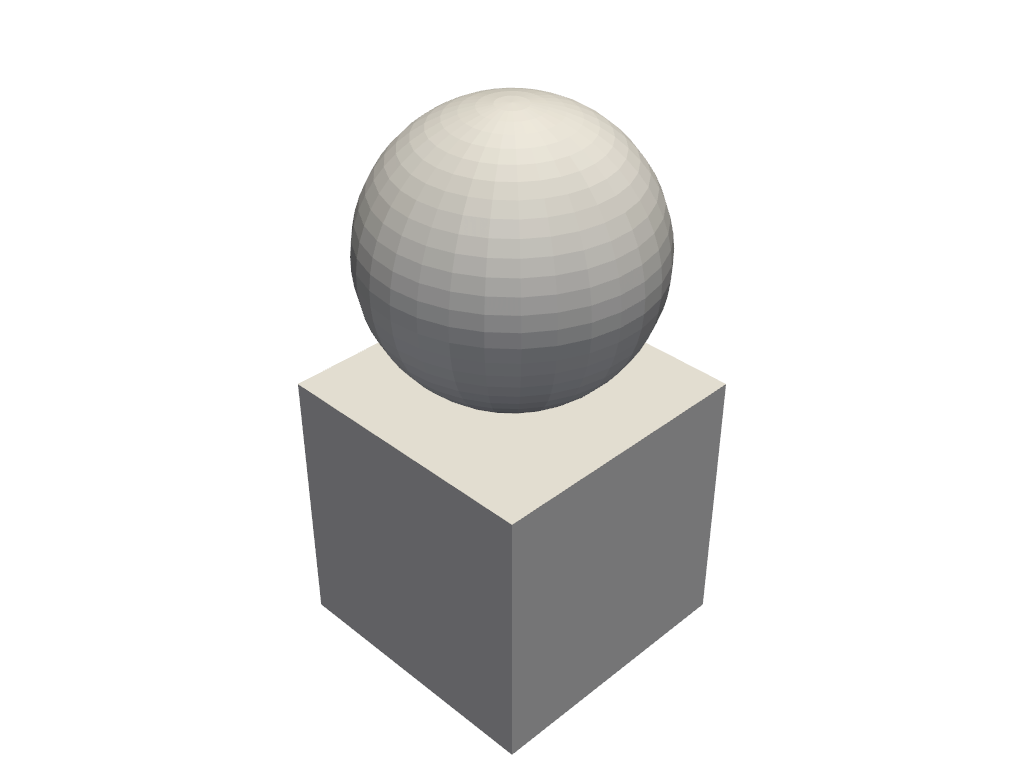
Set individual block colors and then reset them.
>>> import pyvista as pv
>>> dataset = pv.MultiBlock(
...     [pv.Cube(), pv.Sphere(center=(0, 0, 1))]
... )
>>> pl = pv.Plotter()
>>> actor, mapper = pl.add_composite(dataset, color='w')
>>> mapper.block_attr[1].color = 'r'
>>> mapper.block_attr[2].color = 'b'
>>> mapper.block_attr.reset_colors()
>>> pl.show()