pyvista.examples.downloads.download_office#
- download_office(load=True)[source]#
Download office dataset.
- Parameters:
- Returns:
pyvista.StructuredGrid|strDataSet or filename depending on
load.
Examples
>>> from pyvista import examples
>>> dataset = examples.download_office()
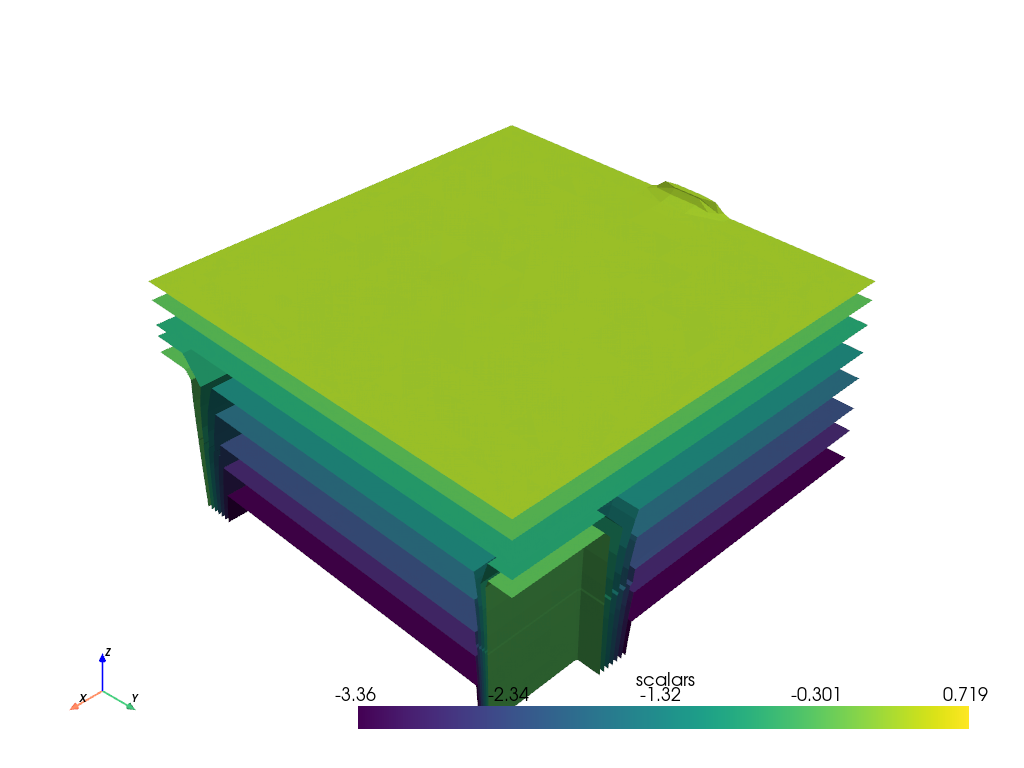
>>> dataset.contour().plot()
See Clipping with Planes & Boxes for an example using this dataset.