pyvista.Texture.flip_y#
- Texture.flip_y() Texture[source]#
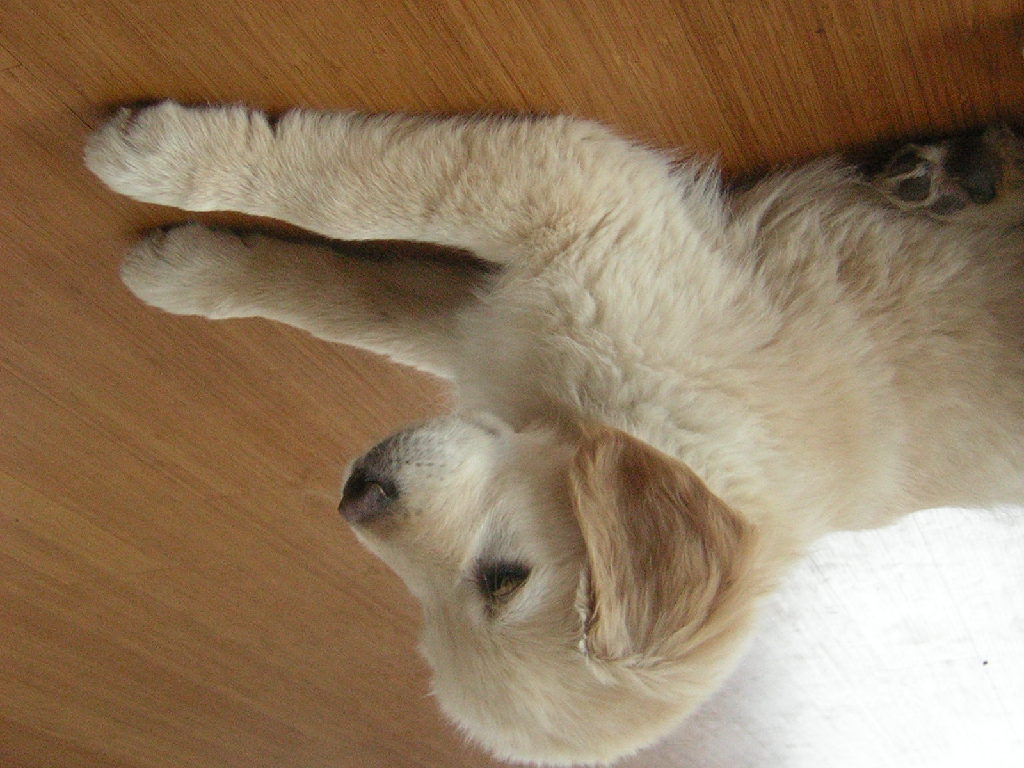
Flip the texture in the y direction.
- Returns:
pyvista.TextureFlipped texture.
Examples
>>> from pyvista import examples
>>> texture = examples.download_puppy_texture()
>>> flipped = texture.flip_y()
>>> flipped.plot()