pyvista.Light.intensity#
- property Light.intensity[source]#
Return or set the brightness of the light (between 0 and 1).
Examples
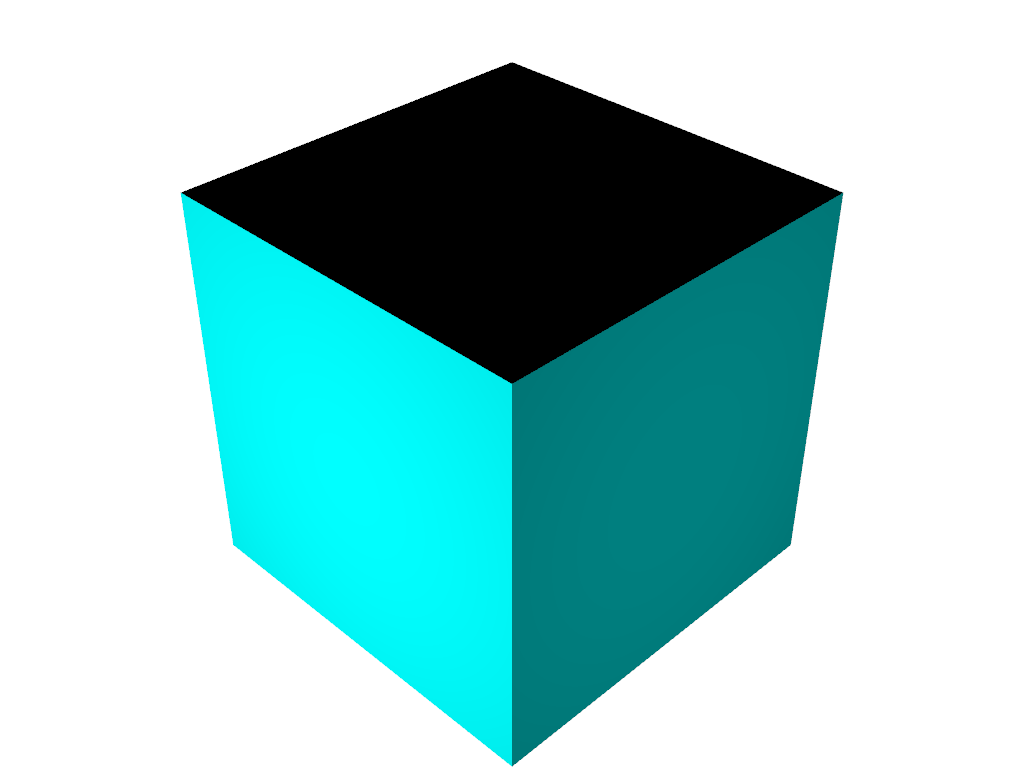
Light the two sides of a cube with lights of different brightness.
>>> import pyvista as pv
>>> plotter = pv.Plotter(lighting='none')
>>> _ = plotter.add_mesh(pv.Cube(), color='cyan')
>>> light_bright = pv.Light(
...     position=(3, 0, 0), light_type='scene light'
... )
>>> light_dim = pv.Light(
...     position=(0, 3, 0), light_type='scene light'
... )
>>> light_dim.intensity = 0.5
>>> for light in light_bright, light_dim:
...     light.positional = True
...     plotter.add_light(light)
...
>>> plotter.show()