pyvista.ExplicitStructuredGrid.show_cells#
- ExplicitStructuredGrid.show_cells(inplace: bool = False) ExplicitStructuredGrid[source]#
Show hidden cells.
Shows hidden cells by setting the ghost cell array to
0whereHIDDENCELL.- Parameters:
- Returns:
ExplicitStructuredGridA deep copy of this grid if
inplace=Falsewith the hidden cells shown. Otherwise, this dataset with the shown cells.
Examples
>>> from pyvista import examples
>>> grid = examples.load_explicit_structured()
>>> grid = grid.hide_cells(range(80, 120))
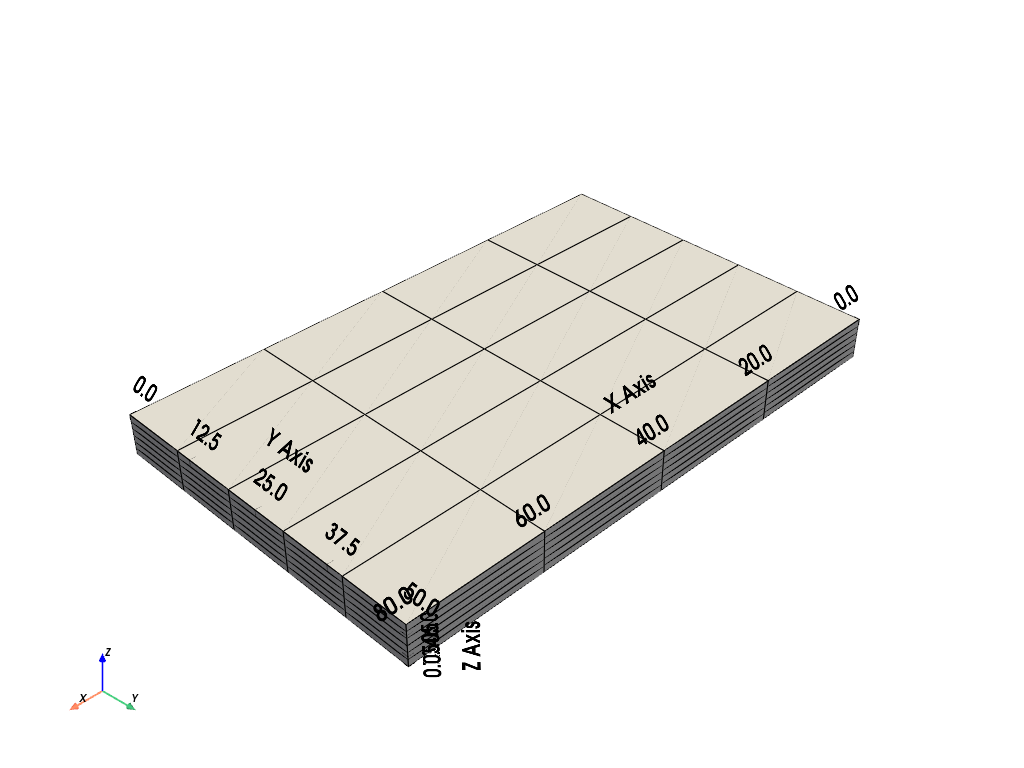
>>> grid.plot(color='w', show_edges=True, show_bounds=True)
>>> grid = grid.show_cells()
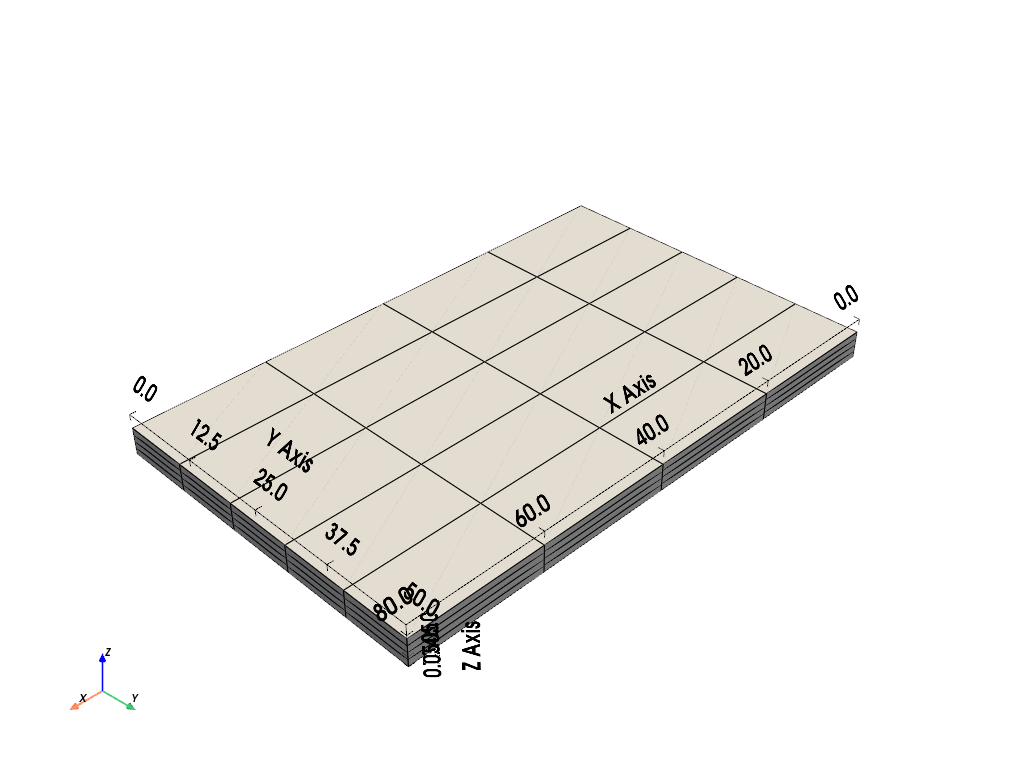
>>> grid.plot(color='w', show_edges=True, show_bounds=True)